
How to Get an Android App Developed — From Idea to Play Store (Guide for Non-Technical Founders)
"I have an app idea, but I don't know where to start" is the most common thing we hear. You don't need to be technical. You need a clear idea, a sensible first version, and the right development partner. Here is the full path from idea to Google Play Store.
Step 1 — Define the Problem, Not the App
Write one sentence: "My app helps [who] do [what] so that [benefit]." If you can't, the idea needs more thinking before any developer is hired.
Step 2 — Check If People Want It
- Talk to 5–10 likely users
- Look at similar apps on the Play Store and read their reviews, especially the complaints
- Note what your app will do differently or better
Step 3 — List Features in Two Groups
- Must-have — without these, the app is useless
- Nice-to-have — add later
Your first version (MVP) should have only the must-haves. A smaller first launch is faster, cheaper, and teaches you what users actually use.
Step 4 — Sketch the Screens
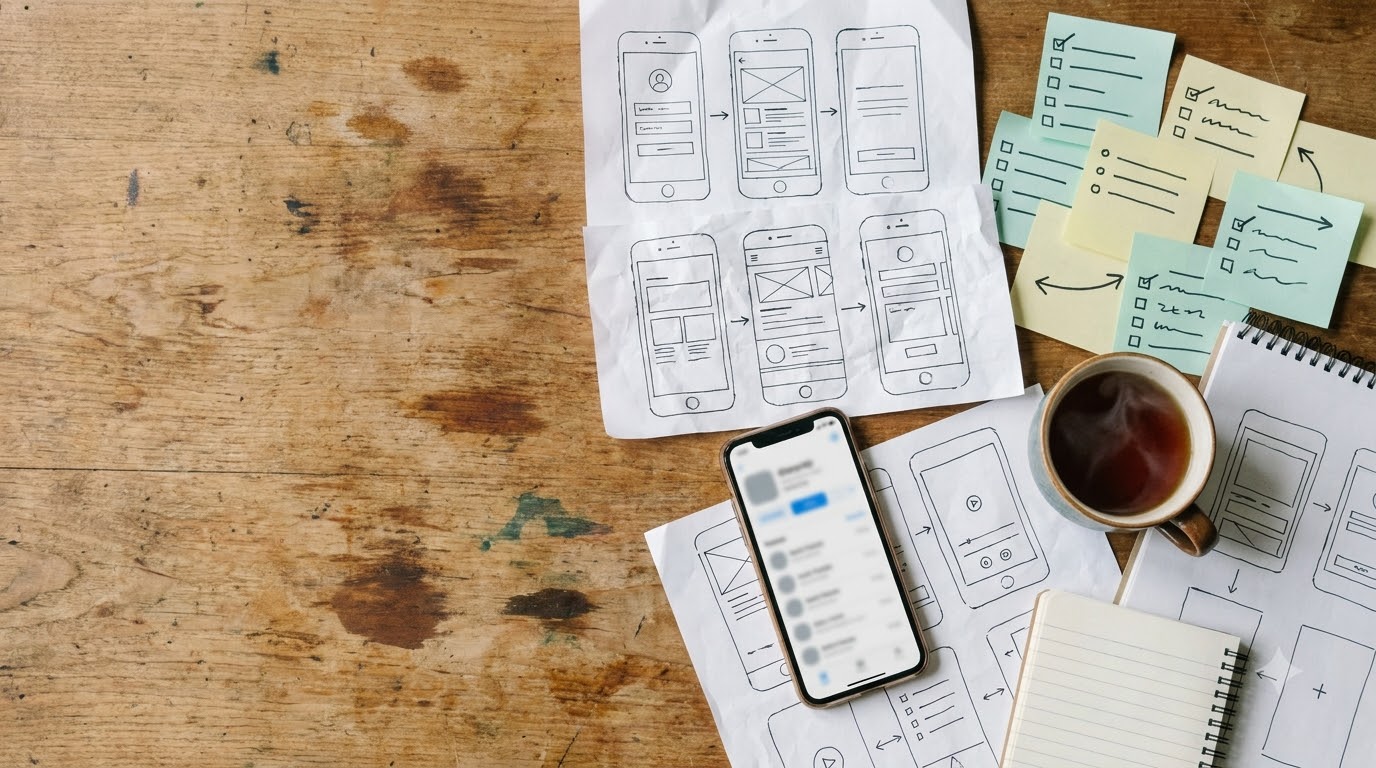
Draw simple boxes on paper: login, home, main action, profile. You don't need design skills. Rough sketches save hours of explanation and reduce misunderstandings with the developer.
Step 5 — Choose the Right Development Partner
Ask any developer or company:
- Can I see apps you have built?
- Who handles the backend and admin panel?
- Will I get the source code and documentation?
- How will progress be shared — in stages or only at the end?
- What is the support after launch?
- Is the scope and cost in writing?
Red flags: a fixed price quoted before asking what the app does, no mention of testing or backend, and no clear handover.
Step 6 — Understand What Affects the Cost
Features, screens, backend, integrations, and design depth all matter. See how much app development costs in India for a plain explanation.
Step 7 — Review in Stages
A good process shows you working builds at checkpoints. Review each one, give feedback early, and avoid changing the whole scope midway, which delays the project.
Step 8 — Test Before Launch
Test on different phones and Android versions. Ask a few real users to try it, and fix what confuses them.
Step 9 — Launch on the Google Play Store
You need a Google Play developer account, an app listing with description and screenshots, a privacy policy, and a tested release build. Your developer can guide you through each part.
Step 10 — Plan Growth and Earnings
Launch is the start, not the finish. Plan updates, user feedback, and how the app will earn. See how to make money by publishing an Android app.
Mistakes to Avoid
- Building every feature in version one
- Starting without a written scope
- Choosing only on the lowest price
- Ignoring the admin panel, then needing a developer for every small change
- Not planning maintenance
Not Sure Where to Begin? Start With a Conversation
Share your idea in a few lines, even if it is rough. We will help you shape a first version, suggest the right approach, and give you a clear written estimate. See also our Android app development company in Jaipur page.
Talk to us on WhatsApp or visit researchzones.com.
Chat with our team directly on WhatsApp for a quick quote or free guidance.
Frequently Asked Questions
How do I get an Android app made if I'm not technical?
Define the problem, list must-have features, sketch the screens, and choose a development partner who gives a written scope, shows past work, and shares progress in stages.
How long does it take to develop an Android app?
A simple app can take a few weeks; more complex apps take a few months. Timeline depends on features and how quickly feedback is given.
What is an MVP?
A minimum viable product is the smallest version of your app that solves the main problem. It lets you launch faster and learn from real users.
Do I need a Google Play developer account?
Yes. You need one to publish apps on the Play Store. Your developer can guide you through setup.
Who owns the app after it's developed?
Ownership terms should be agreed in writing before work starts, including source code and documentation.
Can I change features during development?
Small changes are normal, but large scope changes can delay and add cost. A clear scope at the start avoids this.
Will the app need maintenance after launch?
Yes. Android updates, bug fixes, and user feedback mean apps need ongoing maintenance.
Related Articles
0 Comments
Be the first to comment.