
Custom AI Object & Person Detection Cameras: How It Actually Works
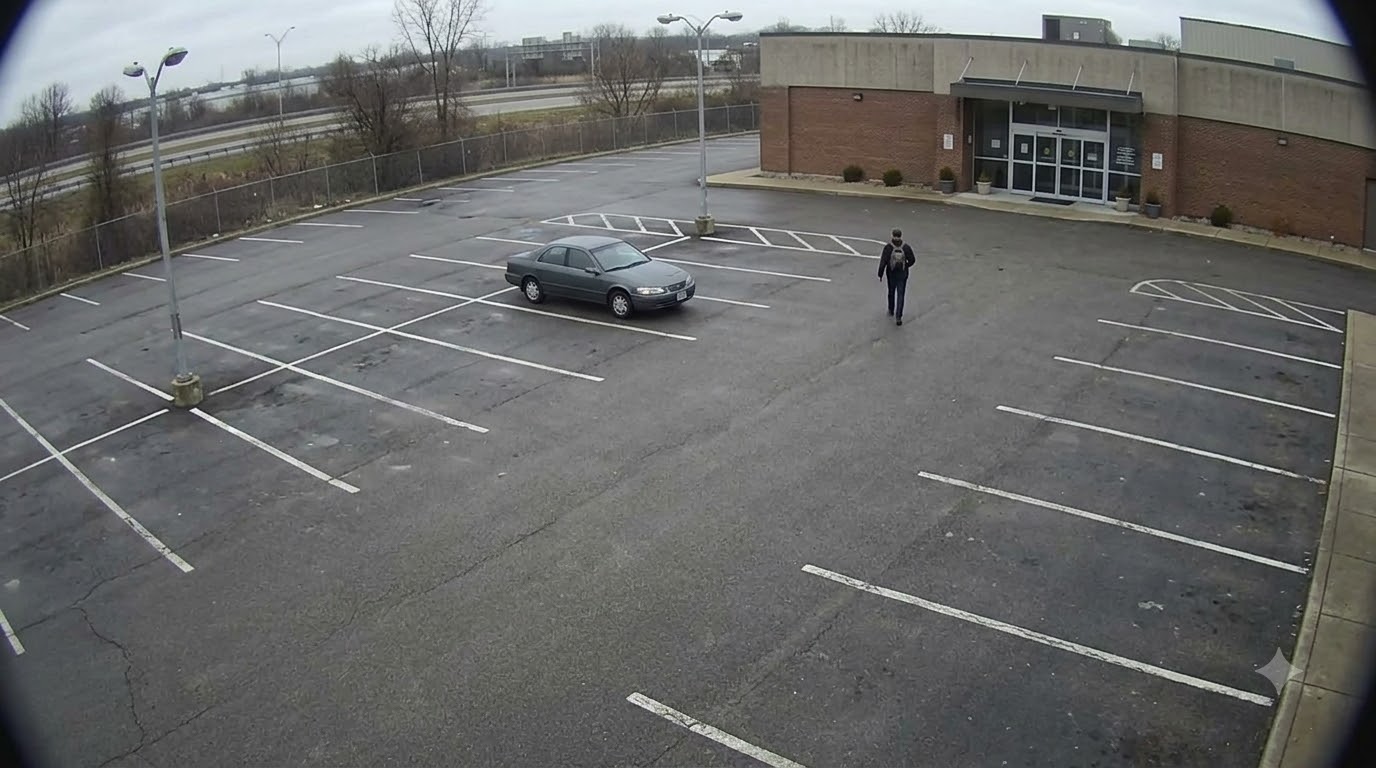
"AI camera" gets used as a catch-all term, but the useful question is always more specific: detect *what*, exactly, and alert *whom*, exactly? Custom AI object and person detection means configuring your camera system to recognize the specific things that matter for your situation — a particular vehicle, an unauthorized person in a restricted area, an animal on a farm, an unattended bag — rather than a generic "motion detected" alert that fires on anything that moves.
What Custom Detection Actually Means
Generic motion detection triggers on any movement in frame — a shadow, a tree branch, a passing car outside a window — which is why most motion-alert systems get ignored or muted within a week of installation. Custom AI detection instead recognizes specific categories of objects or, in more advanced setups, specific individual instances (a particular vehicle, a specific person you've registered), and only alerts on those.
Types of Detection We Configure
Person Detection
Distinguishing people from other movement, and in more advanced configurations, recognizing specific registered individuals versus general "a person is present" alerts — useful for restricted-area monitoring or after-hours presence detection.
Vehicle Detection
Identifying vehicles entering or present in a monitored area, useful for parking management, restricted access enforcement, or logging vehicle movement at a facility entrance.
Animal Detection
Detecting animals in frame — relevant for farms monitoring livestock or wildlife intrusion, and for any property where distinguishing an animal from a human presence changes how an alert should be handled.
Object-Specific Detection
Configured detection for specific object categories relevant to your situation — an unattended bag in a public space, a specific type of equipment on a factory floor, or other defined objects your setup needs to flag.
Weapon Detection
A specialized category of object detection covered in more depth in our AI weapon detection guide, given its distinct accuracy and response-protocol considerations.
Fire & Smoke Detection
Also a specialized detection category, covered fully in our AI fire and smoke detection post.
How the Detection Model Gets Configured to Your Needs
- Define exactly what needs detecting — a general category (any person, any vehicle) or something more specific (a particular vehicle's characteristics, a defined restricted zone)
- Assess camera placement and coverage — detection accuracy depends heavily on the camera actually having a clear, appropriately positioned view of the area or object type in question
- Configure alert routing — who gets notified, through what channel (app, SMS, dashboard), and for which specific detection types, since not every alert needs to go to every person
- Test and calibrate — running the system against real conditions at your specific site to reduce false positives before relying on it operationally
Where This Gets Used
- Restricted area monitoring — factories, server rooms, or any space where only authorized personnel should be present
- Retail and public space monitoring — unattended object detection, after-hours presence alerts
- Parking and facility access — vehicle detection for logging or access management
- Agricultural and rural properties — animal detection for livestock monitoring or wildlife intrusion, covered in more depth in our farm and warehouse AI surveillance guide
Works With Your Existing Camera Setup
Like our other AI detection services, custom object and person detection typically runs on your existing camera and DVR infrastructure rather than requiring a new installation — see our guide to adding AI detection without new wiring for how this works.
Get Started
Tell us specifically what you need detected and where, and we'll assess your existing camera setup and configure detection around your actual requirement rather than a generic package.
Talk to us on WhatsApp or explore more at researchzones.com.
Chat with our team directly on WhatsApp for a quick quote or free guidance.
Related on our site
Frequently Asked Questions
Can the system recognize a specific individual person, not just "a person"?
In more advanced configurations, yes — this requires registering the specific individual and typically higher-resolution, well-positioned cameras for reliable recognition accuracy.
How is this different from the motion detection my current camera app already has?
Standard motion detection triggers on any movement (shadows, branches, passing traffic). Custom AI detection specifically identifies the category or instance of object you've configured, significantly reducing false alerts.
Can I combine multiple detection types on the same camera system?
Yes — person, vehicle, animal, and object-specific detection can typically be configured together across your camera network, with alerts routed differently depending on detection type.
Does this require new cameras?
In most cases no — detection typically runs on your existing camera and DVR setup, though very specific detection needs (like individual person recognition) may benefit from reviewing camera placement and resolution at key points.
How accurate is custom object detection in real-world conditions?
Accuracy depends on camera placement, lighting, and proper calibration for your specific site — initial testing and calibration against real conditions is part of setup, rather than assuming out-of-box accuracy everywhere.
Related Articles
0 Comments
Be the first to comment.